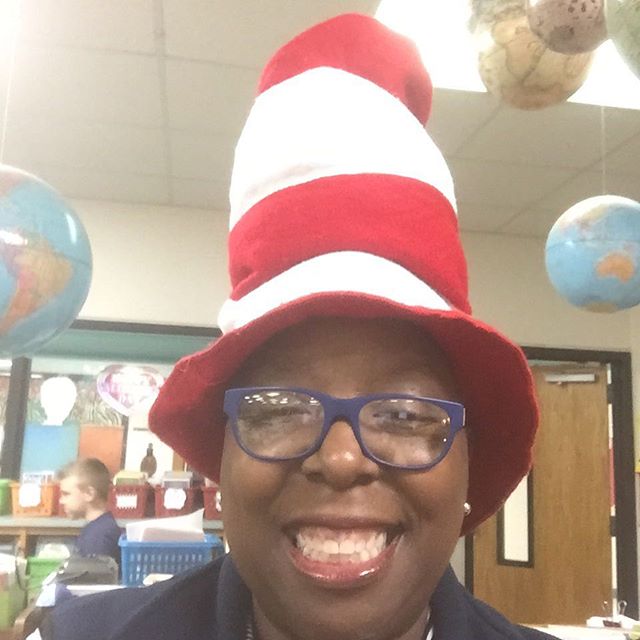
Screencasts , Instagram, and Vines are popular technologies that can be used in the classroom to great effect. I have made use of most of these apps in my personal life, but had not thought of using some of them in my classroom. Since I had teenagers, I was accutely aware of Instagram. I have included a few pictures below:

Beneath the Blue


I use Screencast-o-matic all the time as I have to find multiple pathways to present material to my patrons. This lesson was a timely reminder and I was able to use this technology to present our latest EBook acquisitions. What was especially timely was that I needed to present the information in both PC and Mac format. I chose Screen-o-matic for my PC lesson and Adobe Voice for the Apple/Android access lesson.
Sreen-o-matic video over new EBooks in the NES Library:
Below find the Adobe Voice video for New EBooks in collaboration with New York City Public Library collaboration:
I found the Jing toggle tool to be helpful, but not applicable yet. I hope to use it soon. I found Adobe Voice really easy to use and I appreciate thtat as the technology is evolving faster then me!
* I experienced a lot of technical difficulties with my Vine account today, so I will edit this post when I am able to uplod my entries again.